Guía
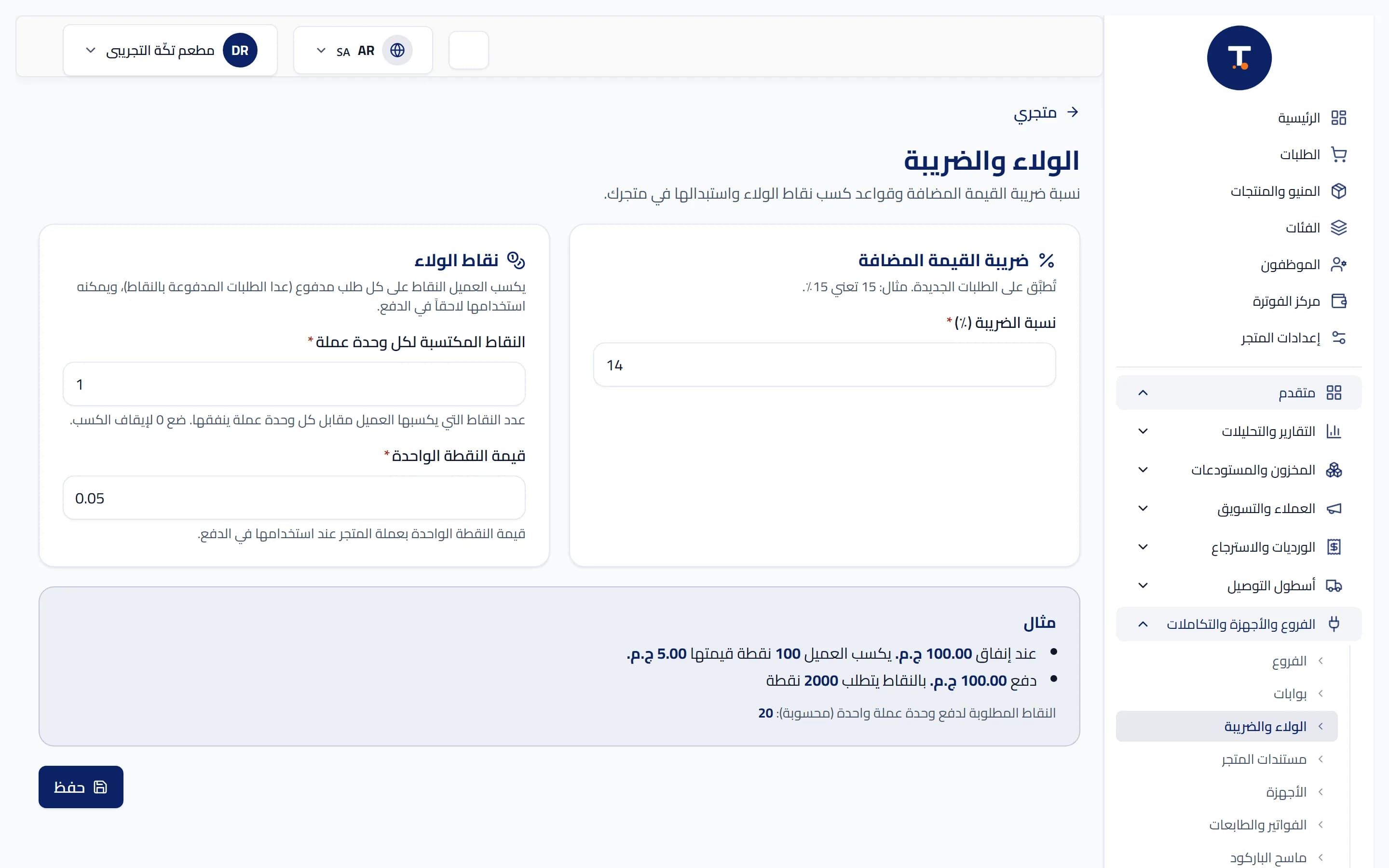
Guide: How to Turn on Loyalty Points on TtaKkaa Step by Step
Practical steps to turn on loyalty points for every sale in your shop on TtaKkaa, from the dashboard settings to the first points added for a customer.
5 min de lecturaLeer artículo →
9 artículos
Practical steps to turn on loyalty points for every sale in your shop on TtaKkaa, from the dashboard settings to the first points added for a customer.
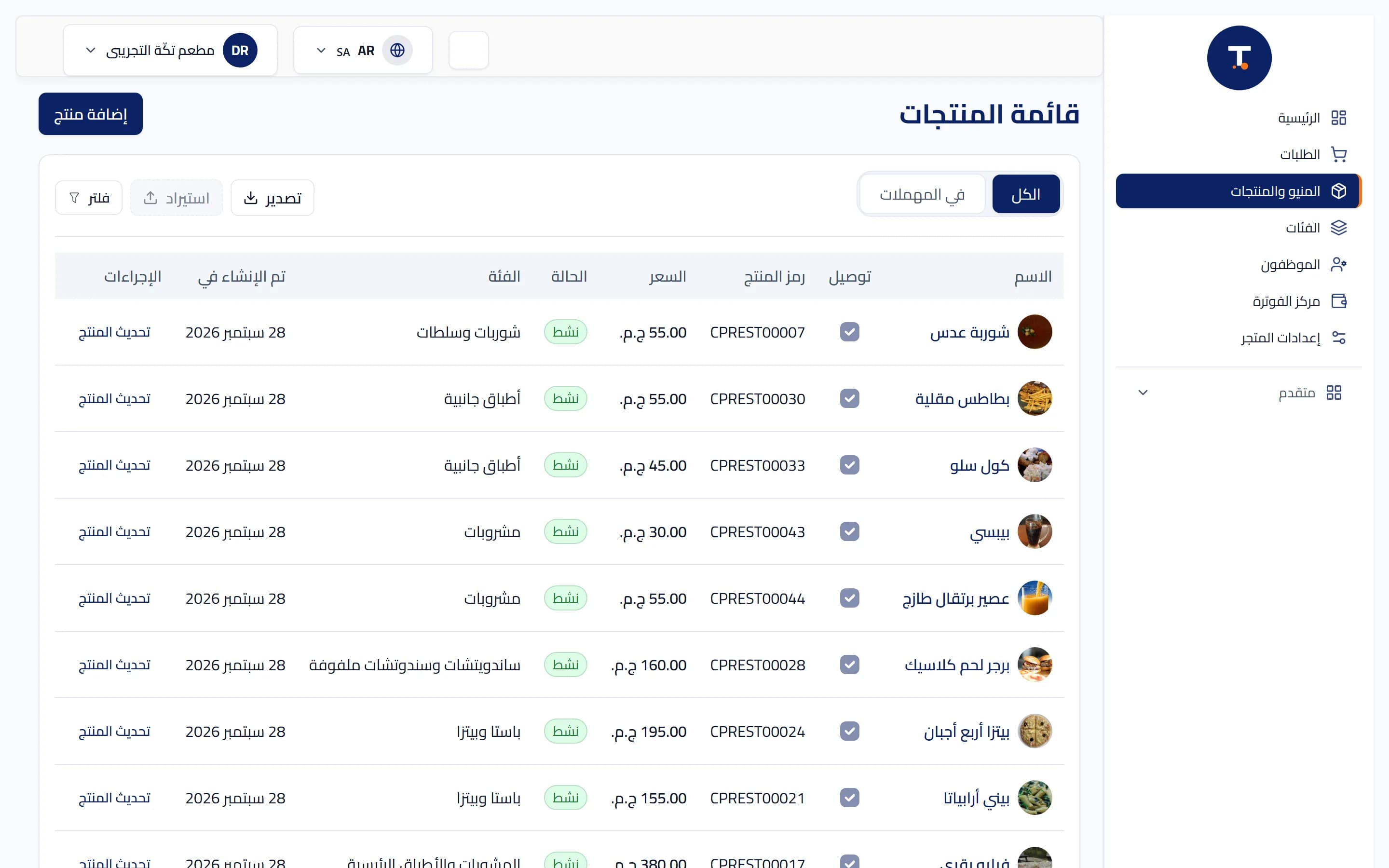
Practical steps for adding an extra sell unit (pack, carton) to a product already registered on TtaKkaa, with the conversion factor and price for each unit.
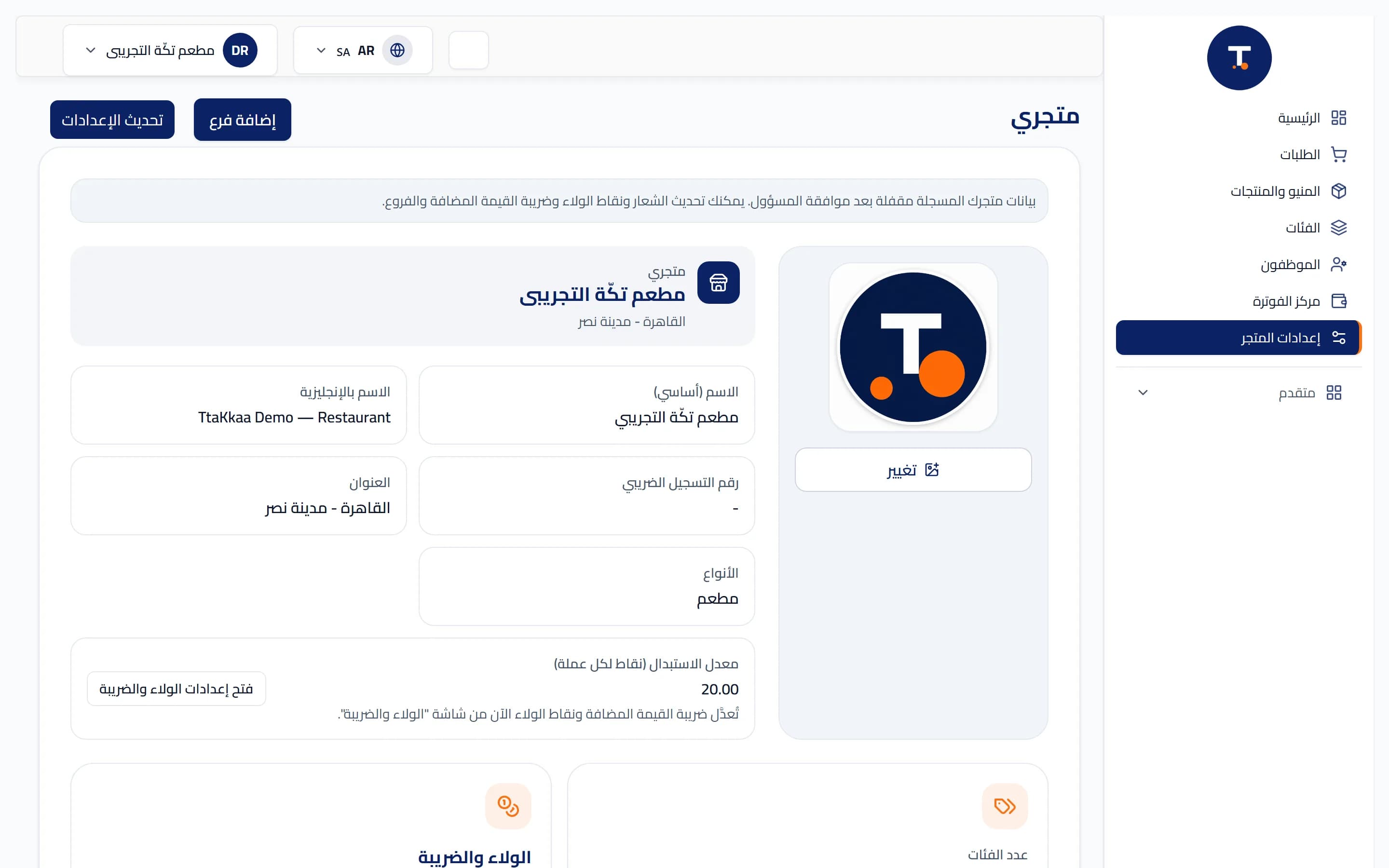
The full steps from opening an account on TtaKkaa to recording your first sale on the cashier, in order, including the onboarding checklist that shows you what's missing.
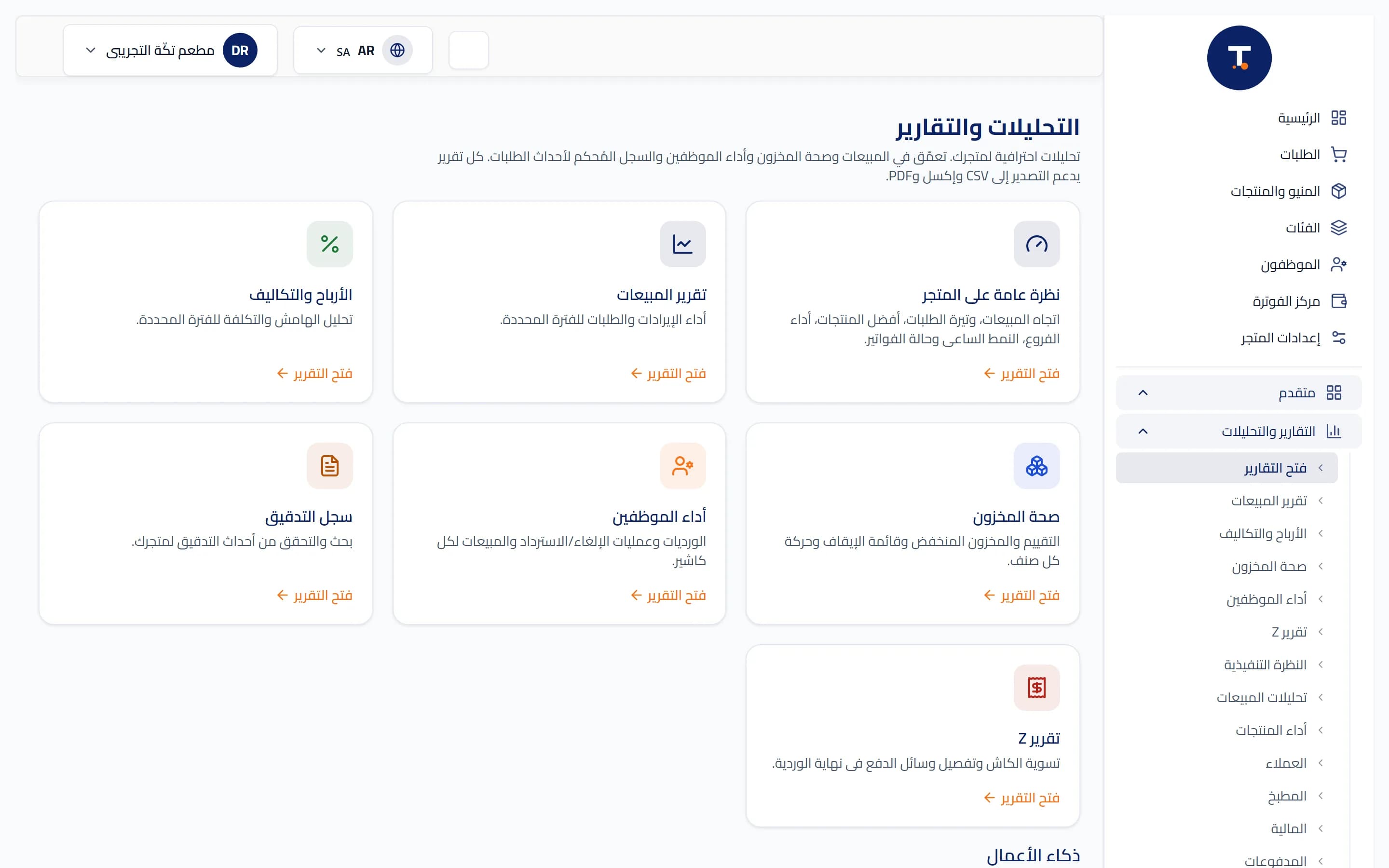
Practical steps to turn on the branch treasury on TtaKkaa: opening the shift balance, logging an expense, and making a deposit or withdrawal with an approved permission.
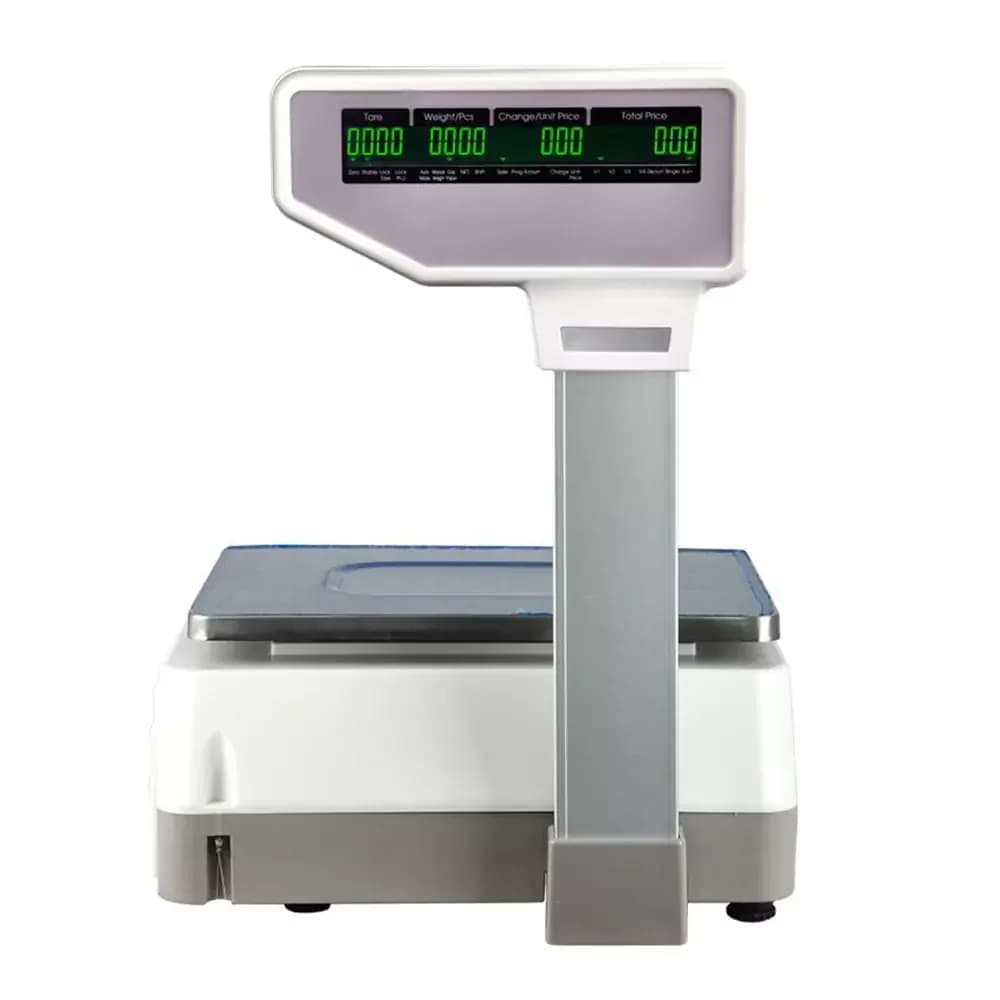
Practical steps to register a product sold by weight (price per kilo or gram) in TtaKkaa's catalog, from creating the product to the first sale on the cashier.
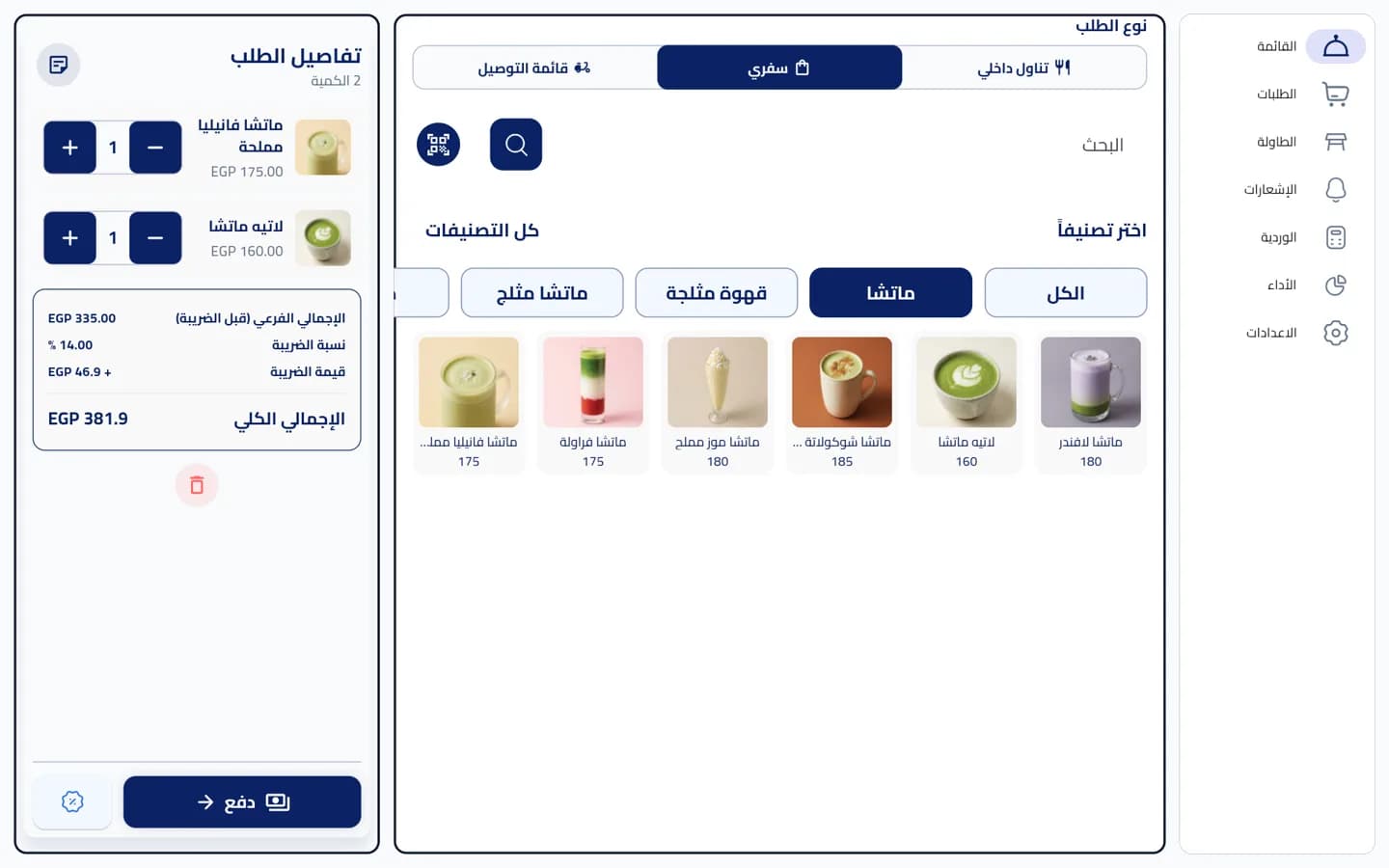
A practical guide for owners and cashiers: how to sell by barcode on TtaKkaa, from scanning the product to printing the receipt, and what to do if a product has no barcode.
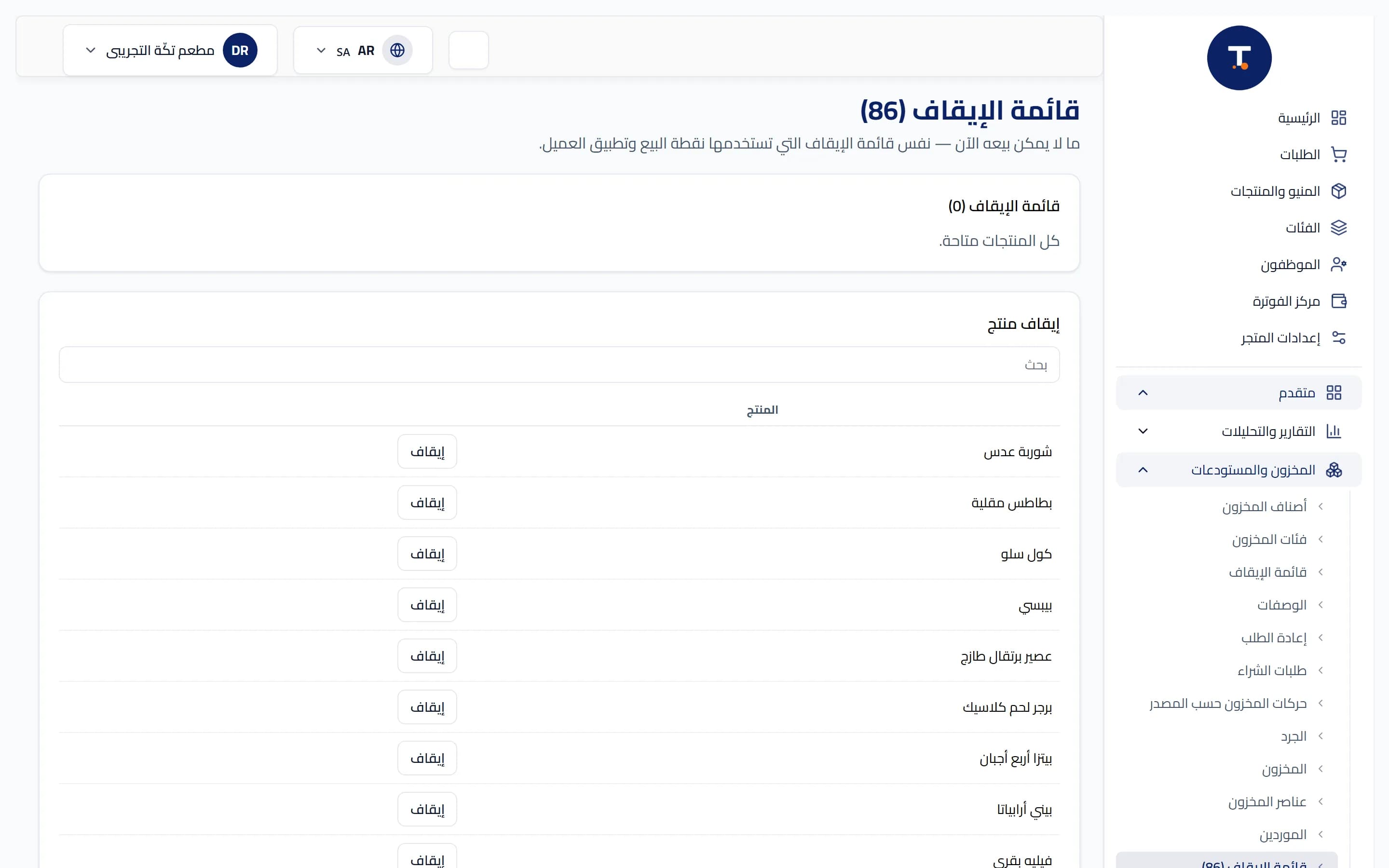
A practical guide to importing your product catalog at once on TtaKkaa, from preparing the spreadsheet to reviewing the import preview before final confirmation.
A practical guide to printing barcode labels on TtaKkaa, whether for a single product from the cashier or a batch of products at once from the store dashboard.
A practical step-by-step guide to enabling a new-customer welcome bonus and a birthday bonus on TtaKkaa, from the loyalty and VAT settings in the store dashboard.